by Claire Doole | Oct 19, 2020 | Blog, Presenting
“It ain’t so much the things that people don’t know that makes trouble in this world, as it is the things that people know that ain’t so.”
This is one of the many quotes attributed to 19th Century American writer Mark Twain and it definitely applies to presenting.
Many people think they are good presenters – mostly because people are too polite to tell them they are not, or in the case of senior people because no one dares tell them!
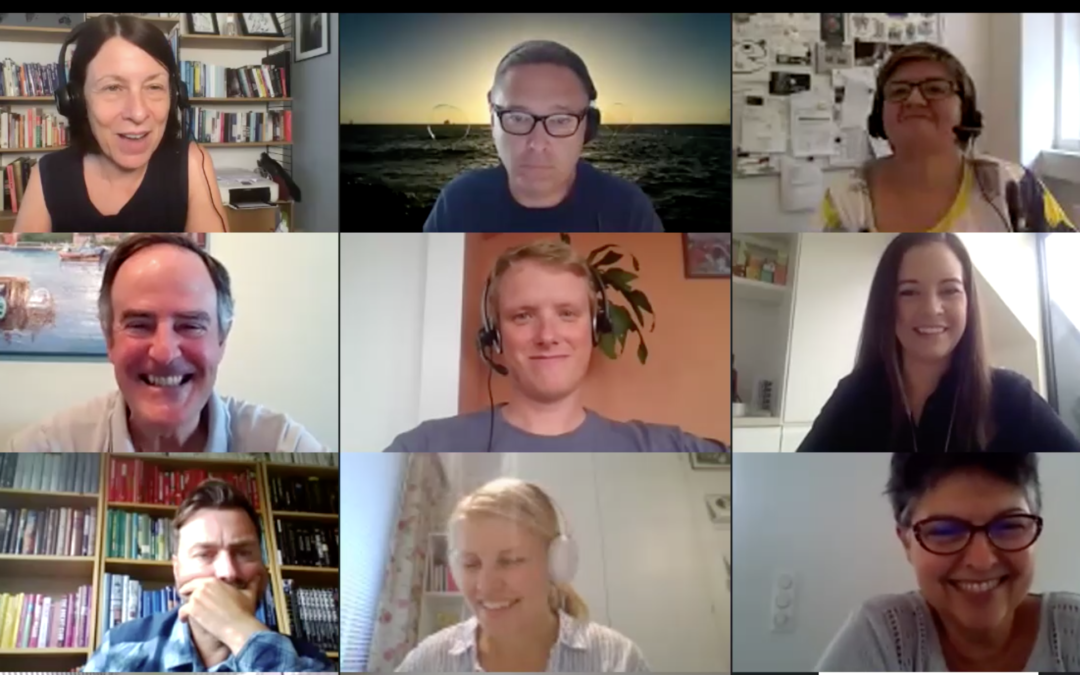
Presenters themselves also have a blind spot. This month I was asked to train a number of speakers taking part in virtual conferences. I blocked time in my diary and waited for the Doodle calendar to fill up. Two things happened – some people were too busy, others left it to the last moment.
This only confirmed to me another great quote about public speaking. This time by the American comedian, Jerry Seinfeld, who said:
“According to most studies, people’s number one fear is public speaking. Number two is death. Death is number two. Does that sound right? This means to the average person, if you go to a funeral, you’re better off in the casket than doing the eulogy.”
People who don’t like public speaking tend to put off preparing their presentation until the last minute.
The reason though I believe people did finally sign up was because it was pitched as engaging presenting in the virtual world. The world of Zoom is unforgiving. If people are bad at presenting in the real world, their mistakes are amplified virtually. You simply have to be better – powering up your visual, vocal and verbal channels of communication – in order to break through the digital screen and hold attention.
5 quick tips on engaging virtual presenting
• Establish onscreen presence – You are now a television presenter, so you need to make sure you are looking directly in the camera and having a conversation with it as if you were talking to someone in person.
• Think about your audience – If you want to break through the digital screen and get their attention, you have to meet their expectations. What do they need to know? How does your presentation help them?
• Keep it simple and straightforward – What is your big idea and what are the three key messages you would like your audience to take away? You need to peel away the layers of complexity so people understand immediately what you are saying.
• Make it memorable – Use the SUCCESS model to create messages that stick. They must be simple, unexpected, concrete, credible, emotional and don’t forget to illustrate a key message with a story to build connection.
• Rehearse, rehearse, rehearse – Professional television presenters do, so like them you must know what you are going to say and never go over time!
If you would like to learn more about engaging virtual presenting attend one of my group workshops or if you would like to get feedback on your virtual presenting skills attend a smaller group workshop or get in touch for some individual coaching.
by Claire Doole | Jul 21, 2020 | Blog, Meetings
Are you suffering from Zoom fatigue as you rush from one online meeting to another? I am using Zoom as shorthand for all the different platforms that are jostling to sign you up as a customer. In my opinion, Zoom is by far the most interactive and participatory platform, although MS Teams and Webex are catching up.
But the platform is not the biggest challenge to facilitating an online meeting. According to participants in my eWorkshops it is the passive audience, made even worse when people turn off their cameras! Number two, by the way, is lack of non-verbal cues and number three technical glitches.
As a meeting facilitator you have to work hard to get and keep people’s attention. And even harder if you want to break through the virtual divide and get people to engage and participate. In the real world, our brain switches off every 10 minutes if it is not stimulated, so imagine how quickly it tunes out in the virtual world.
The solution is to view facilitating a meeting like running a training session. You have to borrow tools and techniques from training to build engagement and participation.
Here are some of my most effective tools to boost your meeting.
1. Polls are popular. In Zoom there is an integrated polling option, where you can ask people multiple choice or single choice questions. Within 1 minute, you can share the results. It is best to set them up before to be as efficient with the time spent online as possible.
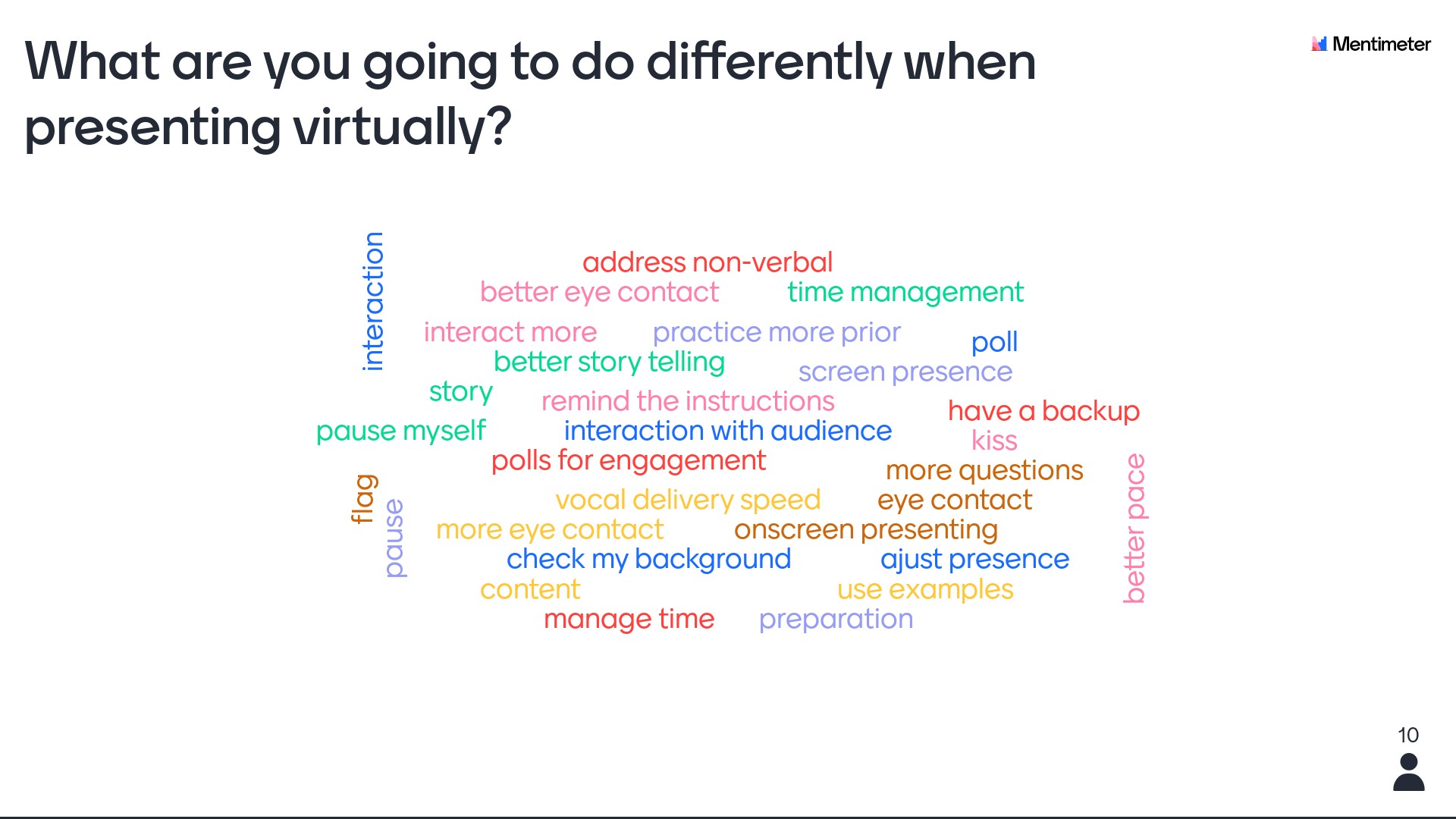
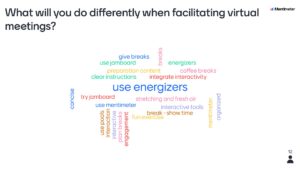
Even better are slido.com and mentimeter.com – two applications I use as a conference moderator to ask questions before and/or after a panel discussion. Mentimeter.com has a multitude of uses from asking people their expectations, to checking their understanding or evaluating a session. The word cloud option is particularly fun as people see the words appear in real time.
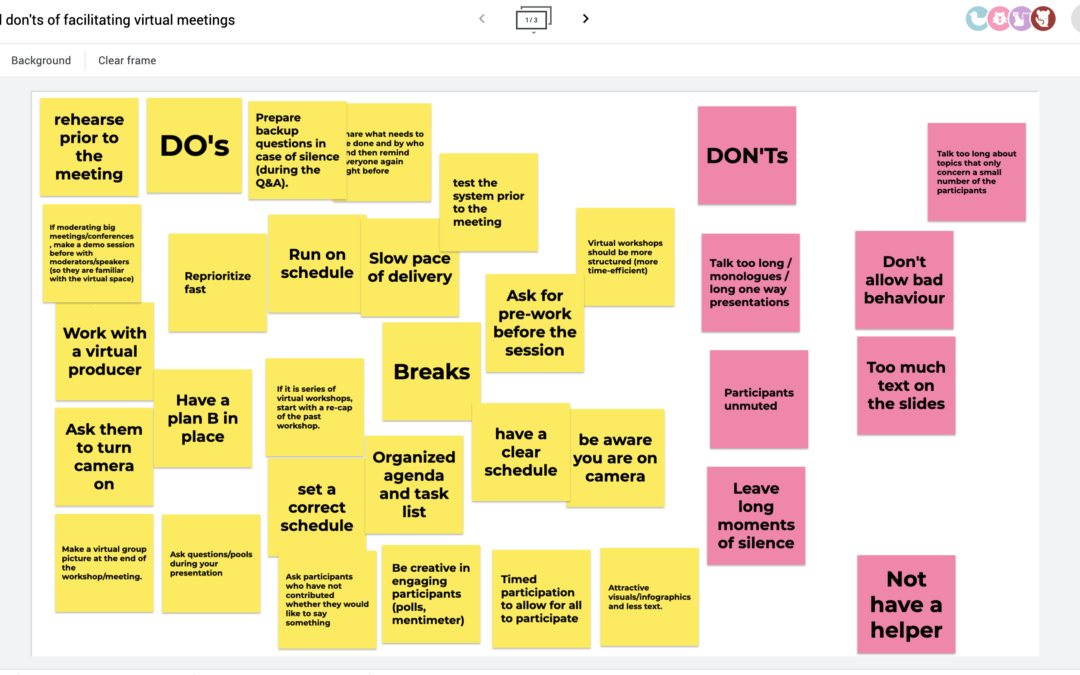
2. Whiteboards are the new black! On Zoom there is an integrated whiteboard but it is clunky to use as participants can easily write over each other’s contributions. Much better and more engaging is Google Jamboard.
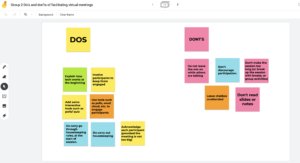
Here you can create post-it notes and move them around the board. It is great for collaborative and brainstorming exercises as you can move around the post-it notes, cluster and use the annotate pen to name the groups.
Google slides is also useful as a simple whiteboard to write ideas on and then share as part of a presentation.
3. Go beyond the chat box. Chat is the easiest function and every platform offers this – even Skype for Business. But you can be far more creative using Google Docs which everyone fills in either as an exercise while people are waiting to join the meeting or as part of the meeting to get a discussion going.
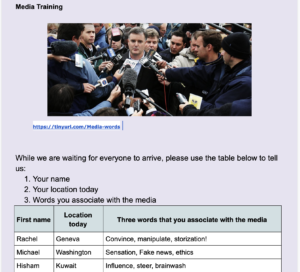
Image courtesy of ICA:UK
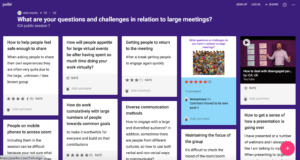
If you want to encourage people to participate anonymously before, during and after a meeting, padlet.com is effective. You create a board and can add questions, illustrate with images or even draw that participants can answer and then rate.
Credit ICA:UK
4. Make some decisions – tricider.com is a free tool where you can analyse the pros and cons and then vote to come to a decision.
5. If money is no option, you may want to invest in Miro or Mural which are tools that integrate many of the above features in one – but you will have to spend some time bringing participants up to speed in how to use them as they can be rather overwhelming.
If you use these tools well, they will help you facilitate not only productive but also engaging and participatory meetings. You may even find that people cast aside their Zoom fatigue as they rush to participate in your next conference call!
In my next blog in my getting real in the virtual world series, I shall look at techniques for participatory conversations and how to develop your on-screen presence.