
Unprecedented Pandemic Press Conference from Pharma Industry
Travel bans, remote working and social distancing are making us all think creatively on how we can continue to interact and get our messages across to as many people as possible.
On Thursday, I was involved in what the main newspaper in French-speaking Switzerland, Le Temps, called an ” unprecedented online press conference” on the pharmaceutical industry’s response to COVID-19.
Working with an excellent team from Acumen public affairs, we brought together the heads of 5 global pharmaceutical companies for a press briefing with media from around the world – with just a week’s notice.
Here are my tips and lessons learnt on how to moderate a live studio discussion and press briefing. We are in unprecedented times but the tips apply to any studio setting.
Rehearse, rehearse, and rehearse
Technicians at Actua films in Geneva spent the day before testing the video link ups over the open source platforms with the pharmaceutical companies, who were joining us from the US and Europe.
Some companies had their own studios; others went into nearby studios while others were in their office or joining us from home due to strict confinement conditions. We also tested 30 minutes before recording with the speakers themselves to make sure we had the right camera angles and sound.

Have a back-up plan
If the link went down, we had a plan B: to use a phone line and put up a photo with the speaker’s name on it. In fact, we had to use this a couple of times when we briefly lost video connection. They all quickly reappeared thanks to the quick response of the technicians.
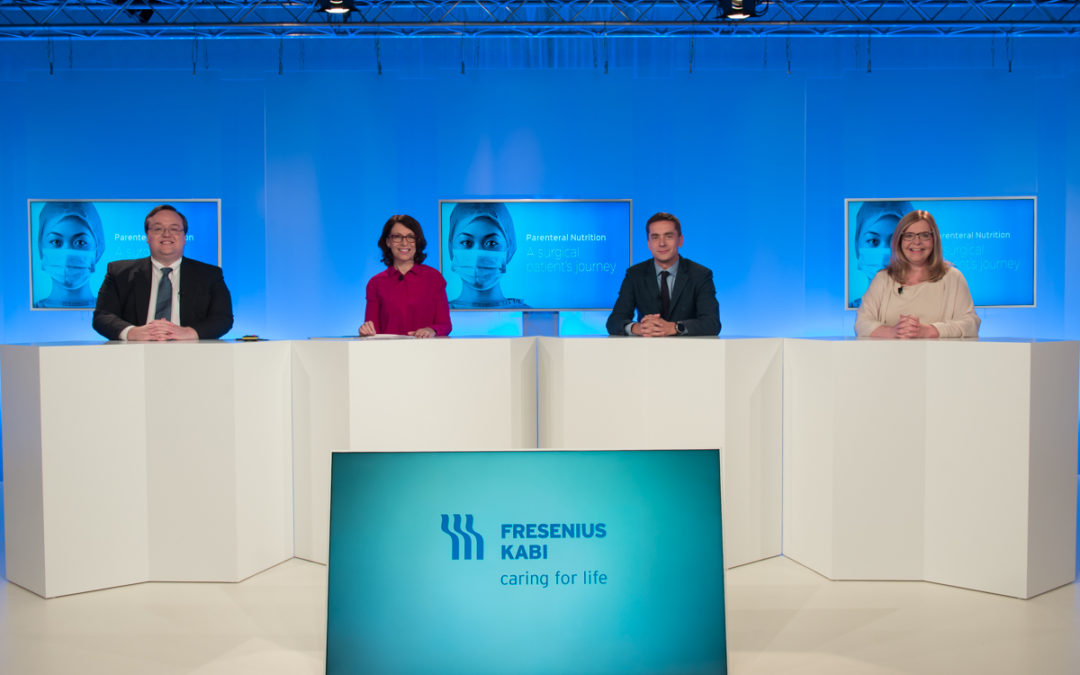
Have someone in person in the studio
We had the Director General of the International Federation of Pharmaceutical Manufacturers and Associations (IFPMA), Thomas Cueni, in the studio to open and close the briefing. Having someone in the studio is a great back up too if the video links fail as the moderator has someone to direct questions to! Fortunately, this did not happen yesterday!

Set up your communications channels with the media clearly and in advance
We had numerous journalists from around the world joining us remotely. They could submit written questions by email before the transmission or when it started using the chat box in a link we sent. They also had the option to ask questions over Skype.
Clear instructions to the speakers
The speakers were highly accomplished. Many of them forget that even if they are not speaking, they can still be seen so that they need to be attentive throughout the discussion. Similarly they must not interrupt each other, as their mikes are open the whole time.
Signpost the process
At the beginning I told the media that I would lead 20 minutes of Q and A with the speakers online before we would take their questions. I also let the speakers know when we were going to wrap up.
Make sure the media questions are clearly visible and legible
It is not easy to read questions coming in on a screen and field them to the appropriate speaker. It helps if there is someone who can filter and redraft for clarity and accuracy. They can also be sent to the moderator’s Ipad with instructions on who should address which question.
Watch the screen for visual cues from the speakers
I told the speakers to give me a hand signal if they wanted to add to someone else’s answer or to take a specific media question.

Manage the time
It is important to have a clock in front of you, showing the exact time. This allows you to manage it, leaving enough at the end for final remarks
Under embargo
If you embargo the press briefing or discussion, technicians can edit out any glitches before posting online.
Here is the video that we posted without the need for any internal edits.
Constraints of social distancing
All of this was done at a time when Switzerland is in semi lockdown mode. There are different measures in different Cantons. But in Geneva most people are working remotely and those who come in from nearby France have to have the correct documentation.
We followed the social distancing rules for Geneva, so that we had only 5 people at any one time on set. Thomas Cueni and myself were seated at least 2 metres apart and so were the studio director and the support team from Acumen.
I even had a make up lesson (in French) from the make up artist so that we respected the rules. Daniela showed me the products and how to apply them and I tried to copy her. Let’s just say that she was very patient ….

The show must go on
Despite the constraints, the online press briefing worked well. The speakers got their message across and the journalist coverage was excellent with stories from many of the major media outlets such as the Financial Times ,the Frankfurter Allgemeine Zeitung and The New York Times.
In the words of the studio director, Patrick Siegenthaler:
“This online briefing showed that if you want to reunite people from all over the world to discuss and share their views on important topics, it is still possible even at a time when few can move.”
And what can be more important than to hear how the pharmaceutical industry is gong to respond to this global health emergency.